
Hypersolids
Plan : FreeSee an object of dimension 4, 8 or 16, and understand what each projection keeps or distorts.

Business problems
- Show a non-specialist audience what "one more dimension" means, before showing them their own data in the same space.
- Understand what a projection flattens before trusting it with a ten-dimensional data cloud.
Academic problems
- Teach regular polytopes, from polygons to polychora and Gosset polytopes, with their canonical views.
- Handle a Hopf fibration, complex, quaternionic or octonionic, as an object you can rotate.
- Compare perspective, orthographic and oblique projections, stage by stage.
Methods & guarantees
- Fixed order at every stage of the cascade (ND to 4D, 4D to 3D, camera): rotation, then shear, then projection.
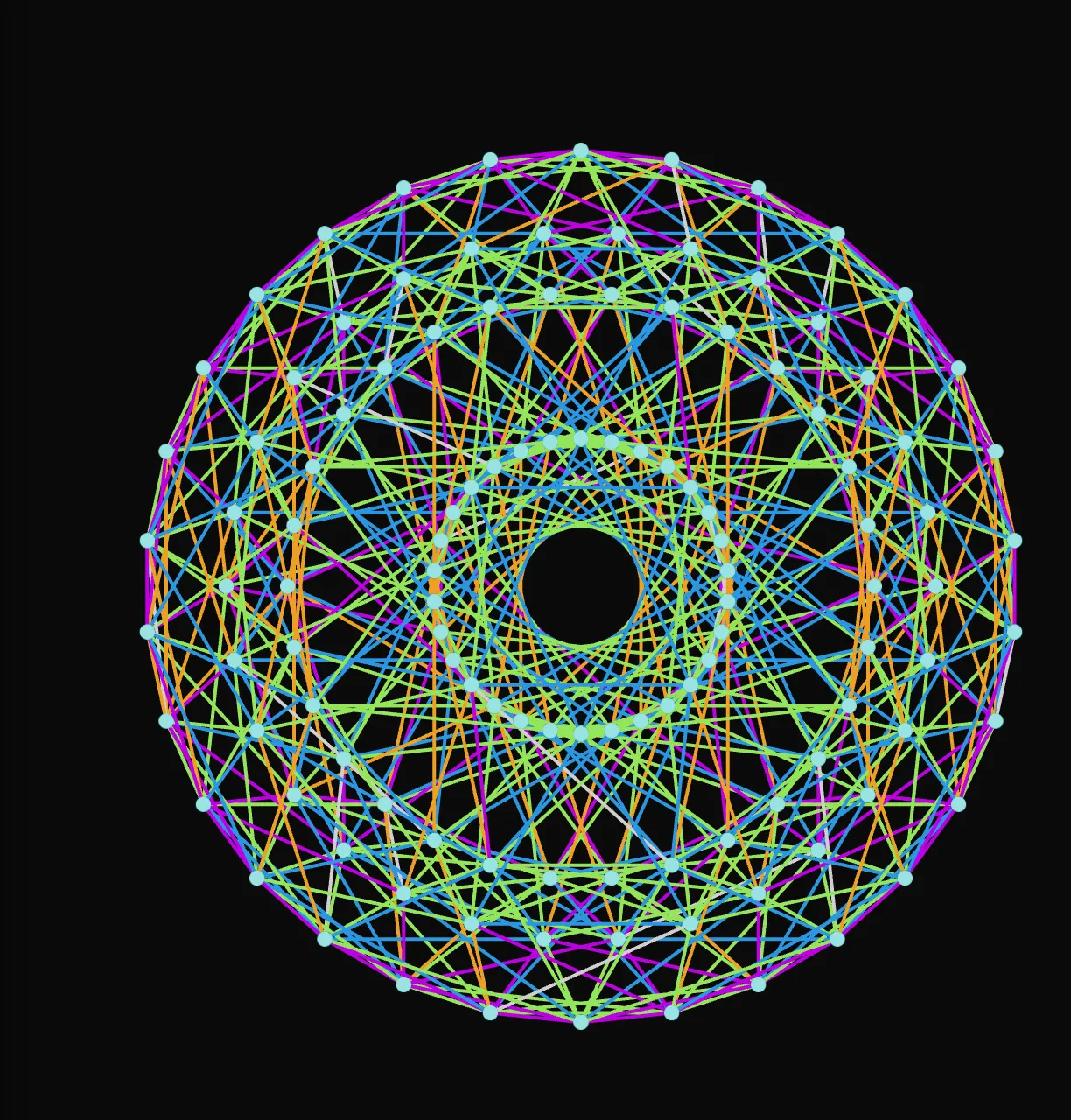
- Edges coloured by their original high-dimensional axis: X green, Y blue, Z orange, W purple.
Browse shapes from dimension 2 to dimension 16
In the H-Solid section, two menus are enough: Type picks the family, Hypersolid the shape. They hold the regular polygons and polyhedra, the six regular polychora of dimension 4 (from Pentachoron to Hexacosichoron), then the generalised families, N-Simplex, N-Cube, N-Orthoplex or Gosset K•21, whose Dimension slider sets the number of axes.
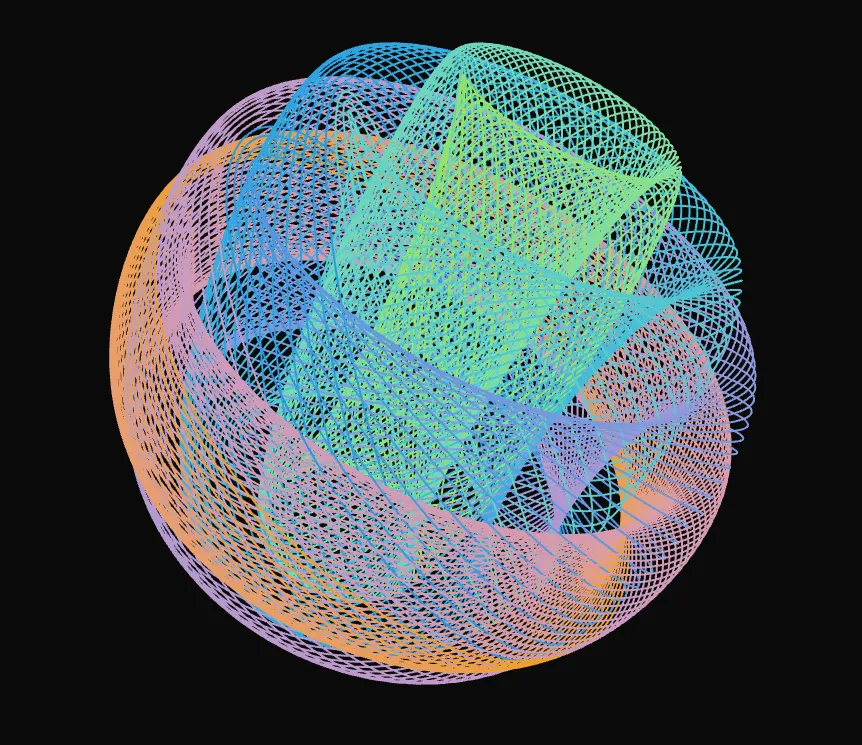
Spheres, ellipsoids and tori are traced as families of circles: as a mesh, as nested shells, or as a Hopf fibration. The Special family goes further: Complex Hopf (4D), Quatern. Hopf (8D) and Octon. Hopf (16D) are not spheres traced as a fibration, they are the fibrations themselves.
Operators transform the graph of the chosen shape: Truncation shaves the vertices (the cube becomes a cuboctahedron), Alternate removes every other one, Compound overlays the shape with its inverse.
Find the view that reveals the structure
The Proj section offers ready-made views. Petrie aligns the projection on the Petrie polygon, the only viewpoint that shows the figure's global structure at once. Front returns to a frontal view without losing the orientation, Reset starts from scratch.
The Special Views carousels step through canonical planes (Vertex-first, Edge-first, Schlegel…), base permutations that swap a visible axis for a hidden one, and Collapse, which flattens the scene onto a plane or an axis.
Unfold the dimensions you cannot see
Projection works as a cascade: from the higher dimensions down to 4D, then from 4D to 3D, then the camera. Each stage has its own mode, perspective or orthographic, and three buttons set them all at once: All Perspective, All Ortho and Ortho-Perspective.
To bring out a hidden dimension, shear often works better than rotation: it shifts the figure without folding it onto itself. Lock H-Solid Rotation freezes the solid and lets the data and the axes rotate around it.
Tile space, and set the figure in motion
Enable Tessellation replicates the shape as prisms, compact honeycombs, or swarms linked by edges. The Motion panel animates the scene: automatic rotation and shear in the chosen planes, or interpolation from one view to another, which Oscillate loops indefinitely.
Try it on your own data
Everything runs in your browser: your data never leaves it.
Open TetrachoreUpdated 2 November 2026